8

🐱 Easy Cat With Smartphone Drawing Template (Interactive)
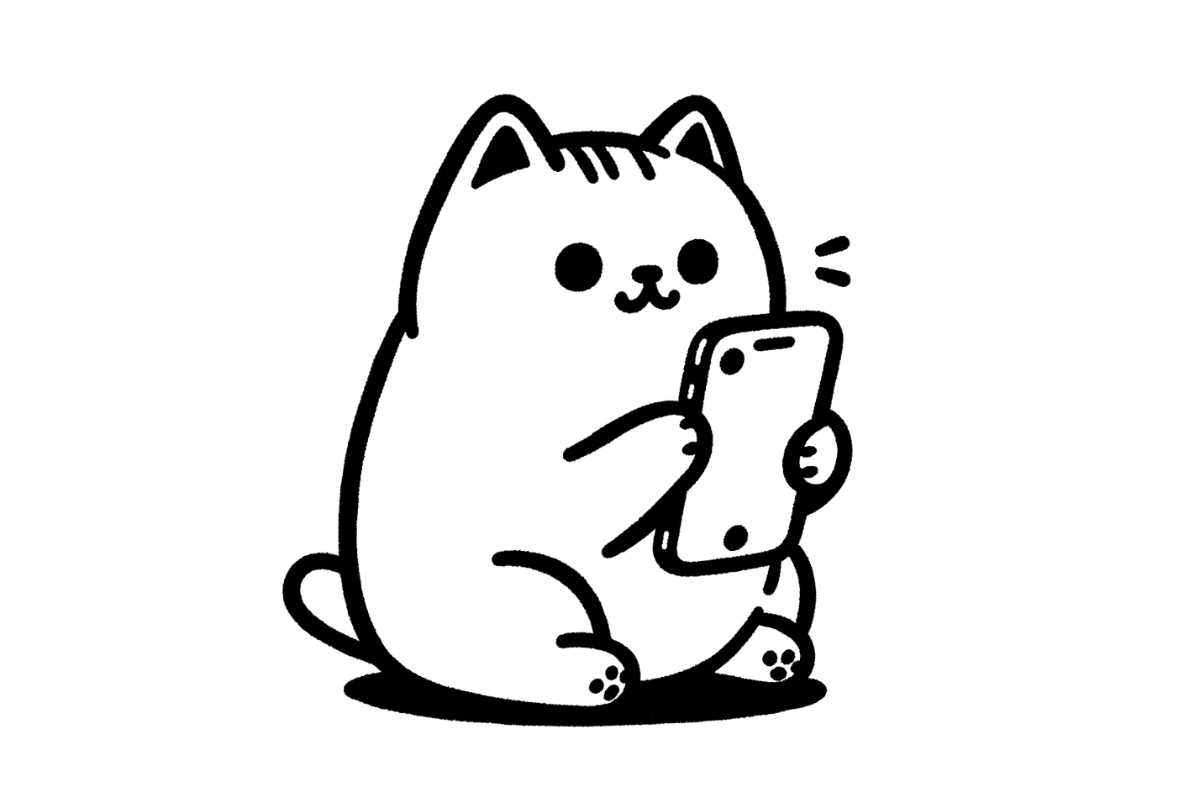
This easy cat with smartphone drawing template lets you trace a very modern cat absorbed in its smartphone directly on screen — relatable, funny, and immediately recognizable.
Draw the cat's focused posture, the rectangular phone, and the telling glow of the screen in simple steps.
A contemporary and humorous drawing for the digital age, perfect for kids who love putting everyday technology into their art.
👉 Start drawing directly on the template above.
👉 Use your finger, mouse, or stylus to trace the lines. For the best drawing experience, we recommend using a tablet with a stylus.
1. Brush Tool - Trace or draw freely using the brush tool. You can adjust the line thickness to match the line weight of each drawing.
2. Fill Tool - Fill an area with color using one click. Make sure the shape is fully closed before filling.
3. Eraser & Undo / Redo - Fix small mistakes, undo actions, or redo steps easily.
4. Clear Canvas - Use the trash bin to clear the canvas and start a new drawing anytime.
5. Save Your Drawing - Don't forget to save your artwork when you're done.
Enjoyed this template? Try these other free drawing templates:
Using this template is simple:
Drawing a character staring at a glowing screen is a wonderfully meta experience when done online. Practicing the phone shape and screen glow digitally makes it easy to experiment with different screen content and lighting effects.
This template shows a cat holding and looking at a smartphone — perhaps scrolling, texting, or watching videos. The mundane human behavior performed by a cat creates instant comedy and relatability.
Drawing a character with a modern prop like a smartphone is a wonderful way to practice drawing rectangular shapes with screen details, while also telling a story through what the character is doing.
By practicing with this template, you'll build skills that apply to all kinds of drawings:
This template is great for:
The relatable phone-scrolling scenario is instantly recognizable to kids and adults alike, making this one of the most engaging and funny cat templates.
Can I draw directly on this page?
Yes! Just tap or click the canvas to start tracing the cat outline right away — no app or sign-up required.
Do I need any art experience to draw a cat?
Not at all. These cat templates are designed for complete beginners, breaking the drawing into simple, easy-to-follow shapes.
Why is the cat outline faded on the canvas?
The low-opacity image acts as a tracing guide so your drawn lines stand out clearly on top of it.
Can I save my finished cat drawing?
Yes — click the save button to download your drawing as a PNG file with a white background, ready to share or print.
Is this suitable for young children?
Yes — these cat templates are designed for children aged 4 and up. The simple shapes and clear outlines make them easy and enjoyable to trace.
Does it work on a phone or tablet?
Yes, it works on iPhone, Android, iPad, and desktop browsers. For the best experience, use a tablet with a stylus or Apple Pencil.