8
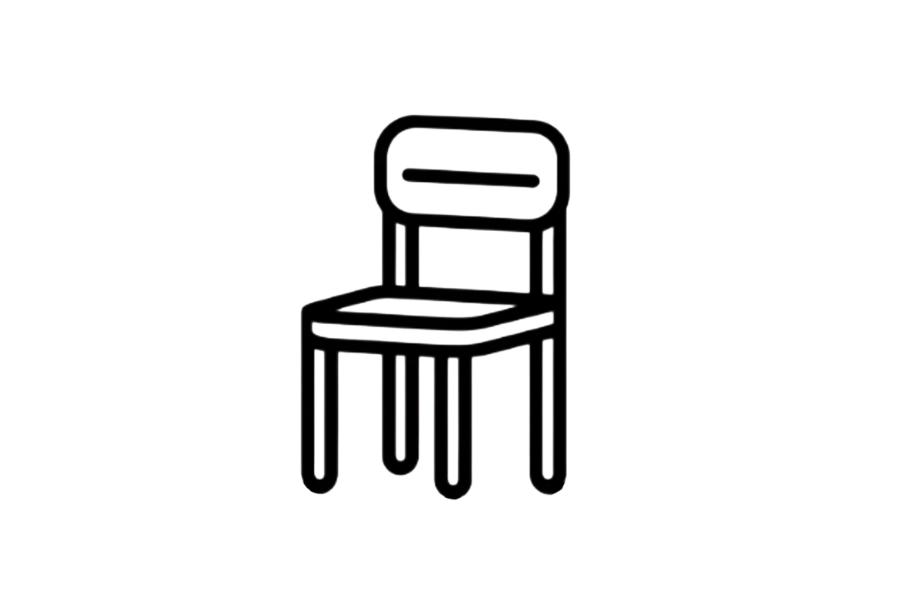

🪑 🪑 Simple Chair Drawing Template (Interactive)
This simple chair drawing template lets you practice drawing a simple chair directly on screen — no printing or downloading needed.
Trace the seat, backrest, and four legs step by step with your finger, mouse, or stylus. Just open the page and start drawing right away.
Great for beginners, kids, and anyone who wants to build drawing skills one simple shape at a time.
👉 Start drawing directly on the template above.
👉 Use your finger, mouse, or stylus to trace the lines. For the best drawing experience, we recommend using a tablet with a stylus.
1. Brush Tool - Trace or draw freely using the brush tool. You can adjust the line thickness to match the line weight of each drawing.
2. Fill Tool - Fill an area with color using one click. Make sure the shape is fully closed before filling.
3. Eraser & Undo / Redo - Fix small mistakes, undo actions, or redo steps easily.
4. Clear Canvas - Use the trash bin to clear the canvas and start a new drawing anytime.
5. Save Your Drawing - Don't forget to save your artwork when you're done.
Enjoyed this template? Try these other free drawing templates:
Using this template is simple:
Drawing a chair online means you can redo lines, adjust proportions, and try different styles instantly without wasting paper. It is perfect for building the muscle memory to draw a simple chair from scratch.
This chair template features a clean, simple outline with clearly defined shapes that are easy to follow even for complete beginners. The design highlights the most recognizable features: seat, backrest, and four legs.
Whether you are drawing a chair for the first time or looking to practice your illustration skills, this template gives you a clear and friendly starting point.
By practicing with this template, you'll build skills that apply to all kinds of drawings:
This template is great for:
Can I draw directly on this page?
Yes! Click or tap the canvas to start tracing right away — no sign-up or download needed.
What kinds of things can I draw with these templates?
Everything from animals and everyday objects to food, plants, vehicles, and fantasy items — all with beginner-friendly outlines.
Can I color my drawing after tracing?
Yes, use the fill tool to color in areas of your drawing. Make sure each shape is fully closed before filling for the best result.
Can I download my finished drawing?
Yes — click the save button to download your artwork as a PNG with a white background, ready to share or print.
Is this suitable for kids?
Yes — the simple outlines are perfect for children of all ages. Kids can trace, color, and save their drawings with no adult help needed.